
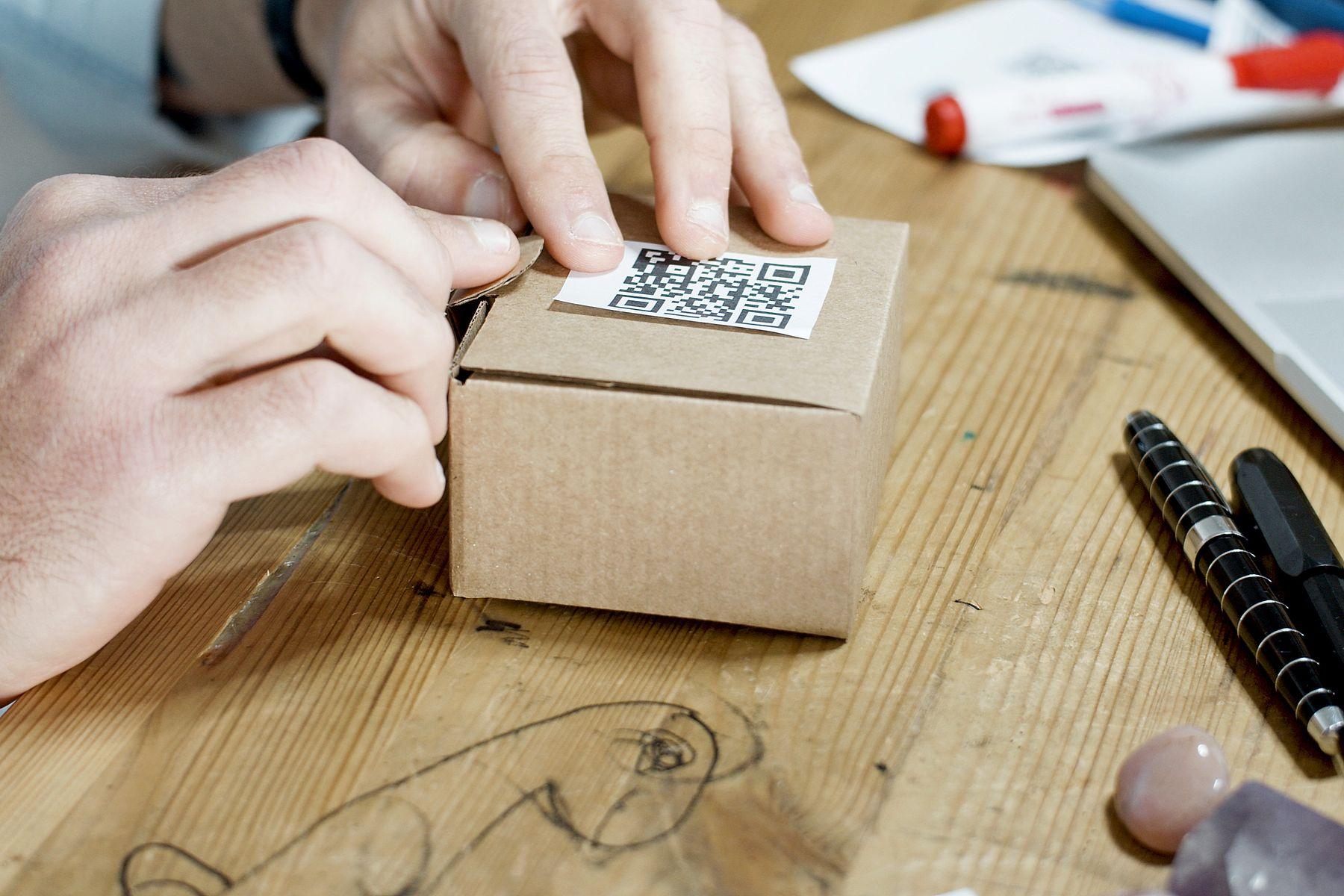
A UPC is the barcode the manufacturer puts on a product. An FNSKU is the barcode Amazon creates for your offer when you use an Amazon barcode. Which one your units need depends on your barcode setting in Seller Central and on Amazon's current rules, so check both before you print a single label.
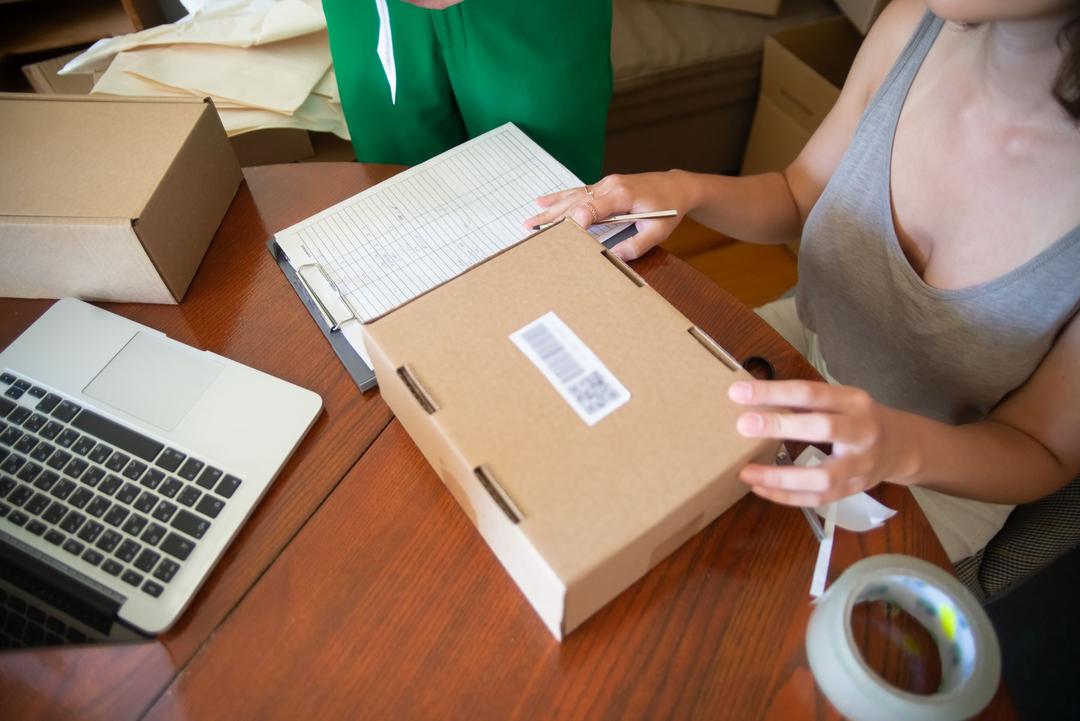
What is a UPC?
A UPC (Universal Product Code) is the barcode printed on a product's packaging by the manufacturer or brand. Many retailers and sellers use the same UPC for the same product, because it identifies the product, not the seller.
What is an FNSKU?
FNSKU stands for Fulfillment Network Stock Keeping Unit. Seller guides describe it as the identifier Amazon uses for your inventory inside FBA, while the ASIN identifies the product listing (Sellersonar; Smith Corona). Amazon creates an FNSKU for your offer when you choose an Amazon barcode, and you print it as a label and stick it on every unit.
UPC vs FNSKU at a glance
| UPC | FNSKU | |
|---|---|---|
| Who creates it | The manufacturer or brand | Amazon, for your offer |
| What it identifies | The product | Your inventory of that product in FBA |
| Where it is used | Many retailers | Amazon FBA |
| Work for the seller | Often none, the barcode is on the package | A label on every unit |
What changed in 2026
Amazon announced that commingling would end effective March 31, 2026. In that announcement Amazon said that after the deadline only Brand Registry brand representatives can keep using manufacturer barcodes, and that Amazon barcodes are required for new offers from everyone else (Amazon Seller Forums). A UK industry body reported a similar change for the UK marketplace (GS1 UK).
Rules differ by marketplace and change over time. Treat this article as a map, and treat Seller Central as the source of truth for your account.
One barcode per unit
Whichever barcode applies, each unit should show one clear barcode that scans. If a unit needs an FNSKU label, apply it so that it covers or replaces the other barcode on the package, and check a sample before you label the whole batch. For the practical steps, read FNSKU labels: what they are and how to apply them.
What about Walmart WFS?
Walmart does not use FNSKUs. Walmart's label guide asks for a scannable GTIN-14 or UPC-12 label on each unit and says EAN, vendor SKU and FNSKU barcodes are not accepted (Walmart Marketplace Learn). If you sell the same product on both marketplaces, you may need a different label depending on where each unit is going.
Who puts the labels on?
You can print and apply labels yourself, ask your supplier to do it, or hand it to a prep center. At volume, labeling by hand is slow and mistakes are easy to make. Our FNSKU labeling service applies the labels to each unit and the shipping labels to the cartons as part of FBA prep, from $1.50 per unit.
Quick checklist
- Open Seller Central and check your barcode setting for each offer.
- Decide whether each product needs an FNSKU label or a manufacturer barcode.
- For Walmart, confirm the GTIN-14 or UPC-12 on each unit.
- Print a test label and scan it.
- Label one unit, check it, then label the rest.
Not sure how your products should be labeled? Send us your product list and we will tell you what we can do for each one.